Blog Details
Steam Account Recovery: What to Do If Hacked
Is your account at risk? Act quickly. Here’s a detailed guide on what to do.
Indicators That Your Account Has Been Hacked
- Unable to access (password altered)
- Unfamiliar trade confirmations
- Items missing from your inventory
- Unusual messages sent from your account
- Login alerts from unfamiliar locations
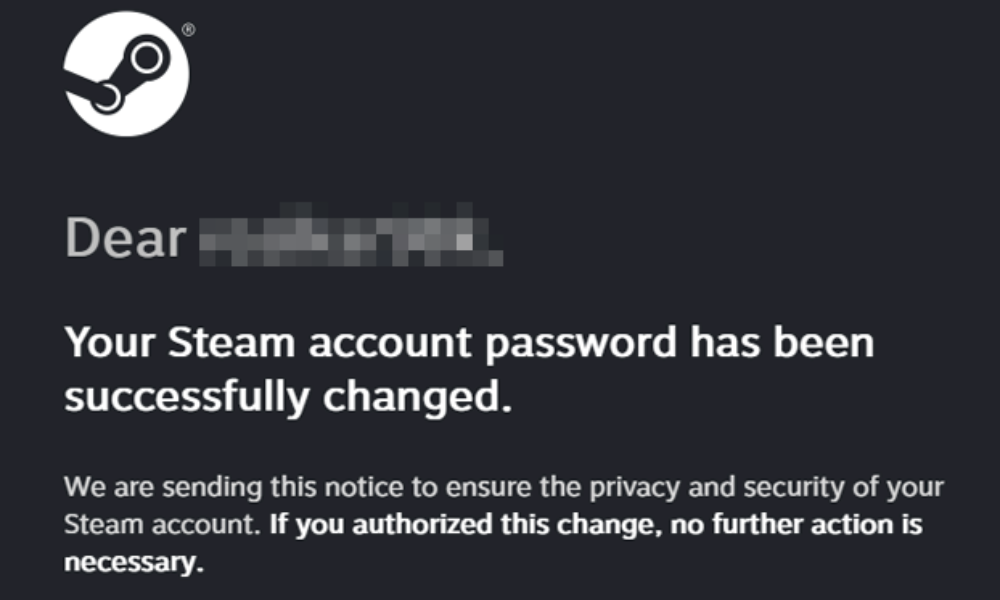
- Emails regarding password/email modifications you didn’t authorize
Immediate Steps (If You Can Still Access Your Account)
- Update your password – Do this immediately
- Revoke your API key – Find it here
- Remove authorized devices – Navigate to Settings → Security → Deauthorize all
- Cancel ongoing trades – Reject any trades you didn’t start
- Secure your email – Update that password as well
If You Are Unable to Log In
Step 1: Attempt Password Recovery
- Visit Steam Support
- Select I can’t sign in
- Input your account name or email
- Follow through the password recovery instructions
Step 2: Recover Your Account
If your email has been altered:
- Access Steam Support
- Click on I need help with my account
- Select I can’t sign in
- Choose My account was stolen
- Submit proof of ownership
Proof of Ownership
Prepare these documents before reaching out to support:
- Product codes you have activated
- Transaction receipts (Steam purchases)
- Credit card details used on your account
- Previous passwords
- Screenshots of any correspondence with support
Post-Recovery Actions
Essential Security Measures
- ✅ Create a new, strong password
- ✅ Activate Steam Guard Mobile Authenticator
- ✅ Revoke/check your API key
- ✅ Audit and remove any unauthorized devices
- ✅ Review authorized applications/websites
- ✅ Check family library sharing configurations
Assessing Potential Damage
- Inventory – List any missing items
- Trade history – Record stolen items
- Friends list – Look for any removals
- Market history – Note any unauthorized sales
- Wallet – Check for missing funds
Reporting Issues to Steam
Report Missing Items
- Access Steam Support
- Select Trades
- Click on Items I traded or sent are missing
- Provide relevant details from your trade history
Note: Steam typically does not restore stolen items. They may make exceptions for first-time victims occasionally, but it’s not guaranteed.
Report the Offender
- Visit the scammer’s profile
- Click … → Report
- Choose the correct violation type
- Submit any supporting evidence
Preventing Future Account Compromises
Essential Measures
- ✅ Use a unique password for Steam
- ✅ Use a unique password for your email
- ✅ Enable two-factor authentication everywhere
- ✅ Never share your login information
- ✅ Be wary of all links
Regular Maintenance
- Check your login history weekly
- Ensure your API key is not active
- Examine trades carefully before acceptance
- Utilize a password manager
For comprehensive safety, refer to our account security guide.
How Accounts Get Hacked
Learn from past incidents to avoid future issues:
- Phishing – Deceptive login pages
- Malware – Keyloggers and data stealers
- Reused credentials – Breaches from other sites
- Social engineering – Manipulated into disclosing information
- API key theft – Manipulation through trades