Blog Details
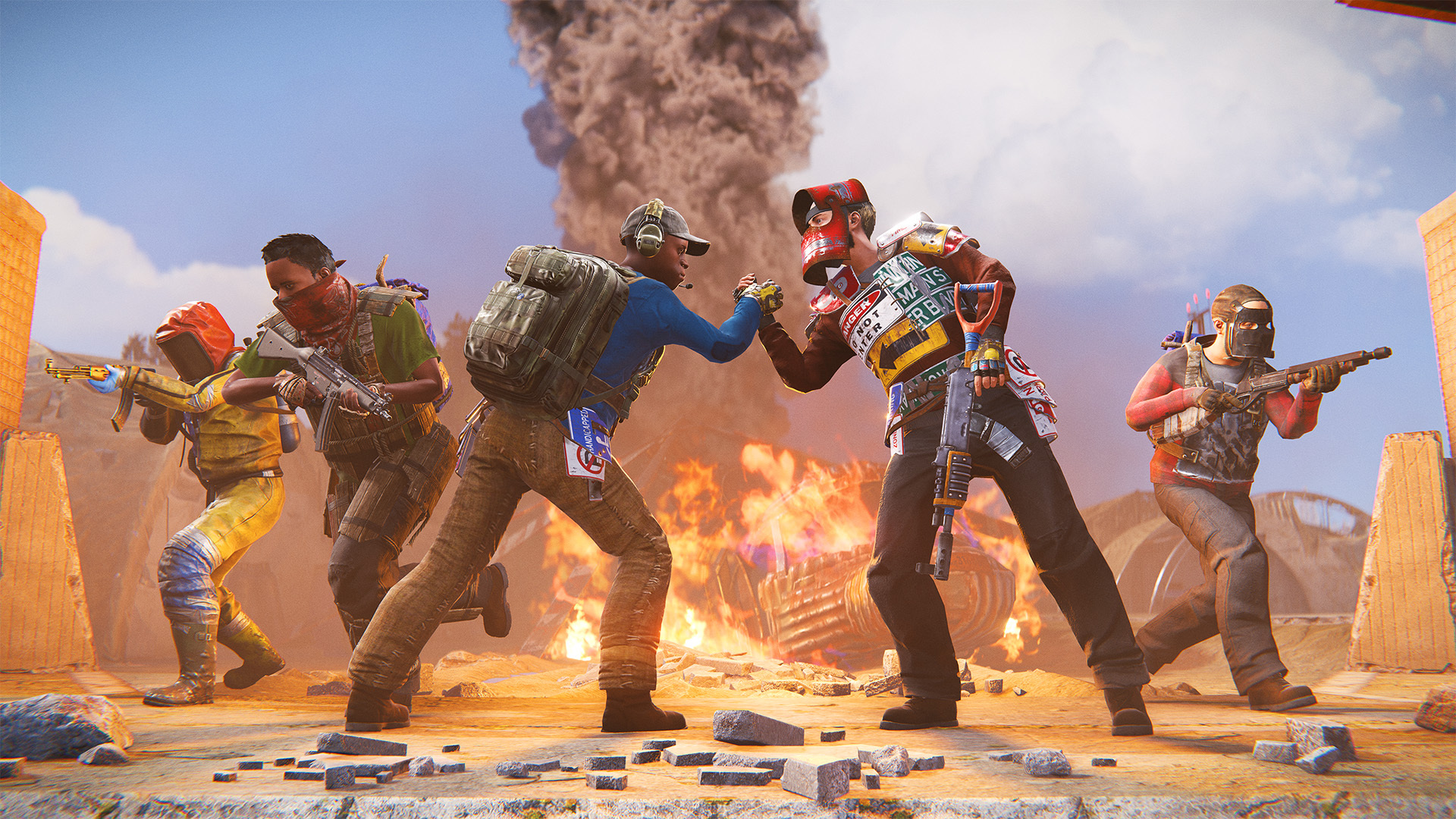
Rust Workshop Skin Submission Guide 2026: Create & Sell Your Designs
The Rust Steam Workshop provides a platform for artists in the community to showcase their skin designs for a chance to be featured in the game. If their design is chosen, artists can earn a portion of the profits. Here’s a step-by-step guide to help you create and submit your own Rust skins.
Understanding the Workshop
- Open submissions – No experience is necessary
- Review process by Facepunch – They are responsible for selecting skins
- Revenue sharing model – Creators receive payments from sales
- Community input – Aids visibility but doesn’t guarantee acceptance
Earnings Breakdown
Accepted creators from the Workshop earn around 25% of the net revenue generated from their skin sales. Successful designs can lead to substantial ongoing revenue!
Accepted creators from the Workshop earn around 25% of the net revenue generated from their skin sales. Successful designs can lead to substantial ongoing revenue!
How to Begin
Essential Tools
- Graphic design software – Examples: Photoshop, GIMP, or alternatives
- Rust item templates – Accessible through the Workshop
- Steam account – Required for submission
- Rust ownership – Must possess the game
Eligible Items
You can create skins for the following items:
- Weapons (e.g., AK, LR-300, MP5)
- Apparel and armor
- Tools (like pickaxes and hatchets)
- Deployable items (such as sleeping bags and doors)
- Building components (with additional DLCs)
Design Requirements
Criteria for Facepunch Selection
- High-quality artwork – Must be high resolution with clean edges
- Unique designs – Free from copyrighted material
- Theme consistency – Should align with Rust’s visual style
- In-game appearance – Must look appealing when played
Common Reasons for Rejection
- Violations of copyright
- Poor resolution or quality
- Inappropriate themes
- Deficient UV mapping
- Mismatch with game aesthetics
Explore Workshop Skins
Discover examples of successful Workshop skins available in our marketplace.
Submission Steps
- Craft your design utilizing item templates
- Export your work in the correct format (typically PNG)
- Submit to the Workshop through Rust’s submission tool
- Include preview images showing multiple perspectives
- Compose a description – Outline your concept
- Tag your work appropriately for better categorization
- Promote your skin – Share it across social media platforms
Acceptance Tips
Strategies for Success
- Analyze accepted skins – Understand what resonates
- Keep up with trends – Ensure to maintain originality
- Seek critiques – Share your works-in-progress with the community
- Refine your design – Adjust based on feedback
- Exercise patience – The review process takes time
- Submit multiple designs – Increases your chances of being accepted
Post-Acceptance Process
Once your skin is approved:
- Facepunch will reach out to you
- Sign a contributor agreement
- Your skin will be incorporated into the game
- You will receive monthly revenue shares
- Keep track of sales and user feedback